Never lose a recipe again
Your personal digital cookbook. Save recipes from photos with AI, build grocery lists, and share everything with family.
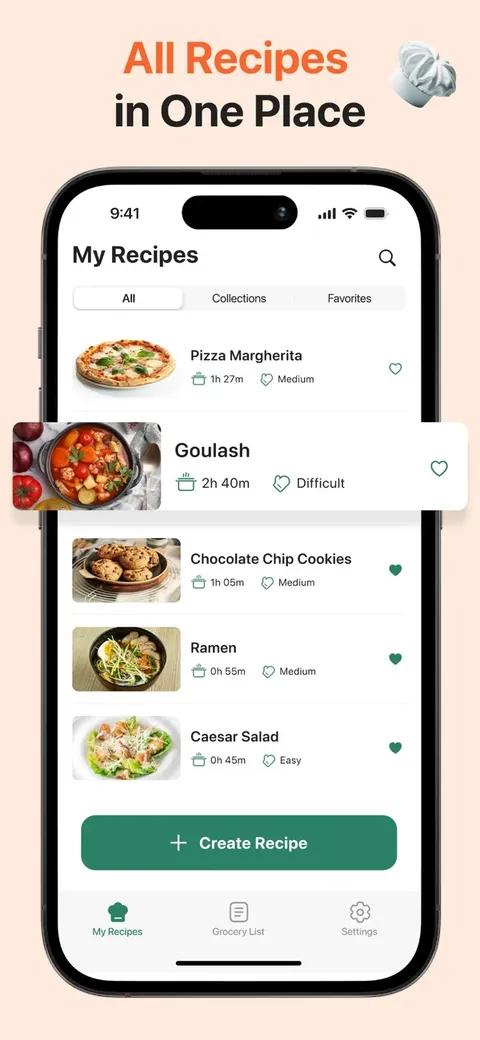
Everything your kitchen needs
Recipic replaces your bookmarks, scattered notes, and that drawer of recipe cards you never look at.
Digital Cookbook
Create your personal recipe collection. Organize into collections — Breakfast, Dinner, Desserts — whatever fits your style.
Smart Grocery Lists
Build shopping lists from recipes or manually. Check off items as you shop. Import ingredients in one tap.
AI Photo Import
Snap a photo of any recipe — from a cookbook, magazine, or handwritten card — and AI extracts all details instantly.
Export & Import
Export your recipes to share or back up. Import recipes from files — keep your collection safe and portable.
iCloud Sync
Recipes and collections sync across your Apple devices via iCloud. Your cookbook is always up to date.
Share with Anyone
Send any recipe or grocery list to family and friends via Messages, WhatsApp, or any app — one tap is all it takes.
Beautiful and simple
Designed to feel like home. No clutter, no ads — just your recipes.
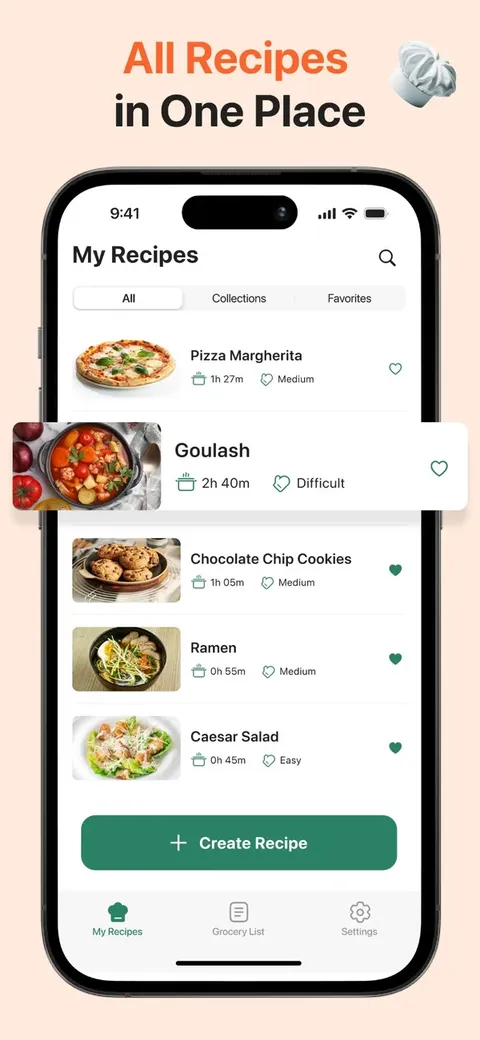
All Recipes
Your collection, always at hand
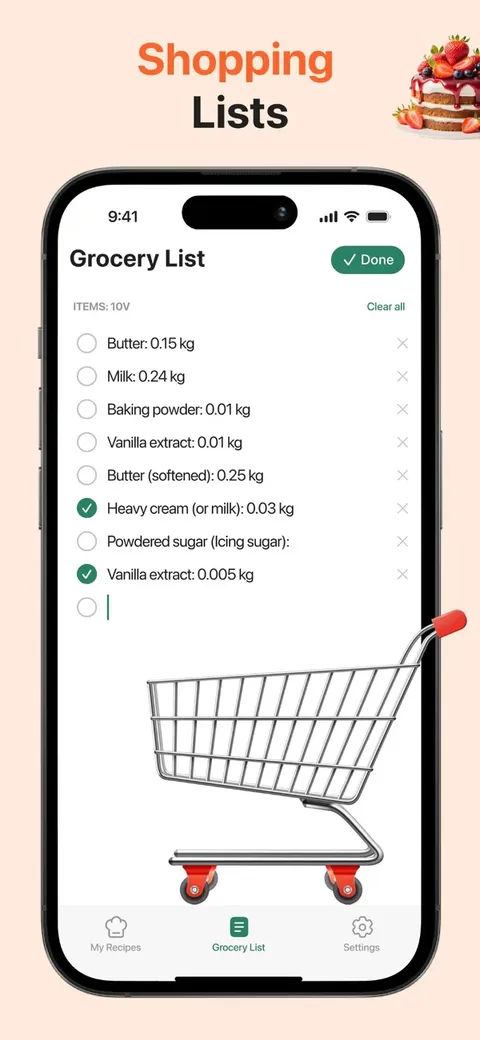
Grocery List
Import from recipes or add manually
Three steps to a better kitchen
Add Your Recipes
Import from a photo, type manually, or scan from a cookbook. However you prefer — Recipic adapts.
Organize & Shop
Sort into collections, build grocery lists from recipes, and share with family — all in one tap.
Cook & Enjoy
Open any recipe and cook with clear ingredients and instructions. Share favorites with family and friends.
Loved by home cooks
"Finally an app that lets me save all my scattered recipes. The photo import is magic — I digitized grandma's recipe box in an afternoon."
"Downloaded for recipes but use the grocery list daily. It's become the app I open most after morning coffee."
"Clean design, no bloat, does exactly what it promises. Tried a dozen recipe apps — this is the one that stuck."